
Email Security: How One Click Can Shut Down Your Entire Business
Email is the #1 way cyberattacks start — especially for small and medium‑sized businesses.
Most owners believe attacks happen because someone is careless or reckless. In reality, modern email attacks are designed to look normal, urgent, and trustworthy. One convincing message. One click. And an entire business can come to a halt.
This guide explains how email-based attacks really work, why small businesses are targeted, and what practical steps can reduce your risk — without technical jargon.
Why Email Is the Weakest Link in Business Security
Email sits at the center of daily business operations:
- Invoices and payments
- Customer communication
- Password resets
- File sharing
- Vendor coordination
Attackers know this. Instead of breaking through firewalls directly, they target people, not systems.
Email attacks succeed because they exploit:
- Trust
- Urgency
- Familiar business processes
What Happens When Someone Clicks the Wrong Email
A single click can trigger multiple outcomes, often silently:
- Login credentials are stolen
- Malware installs in the background
- Email accounts are taken over
- Files begin encrypting
- Attackers move through the network
Many businesses don’t realize what happened until systems slow down, files disappear, or customers report suspicious emails coming from their domain.
Common Email Attacks That Shut Businesses Down
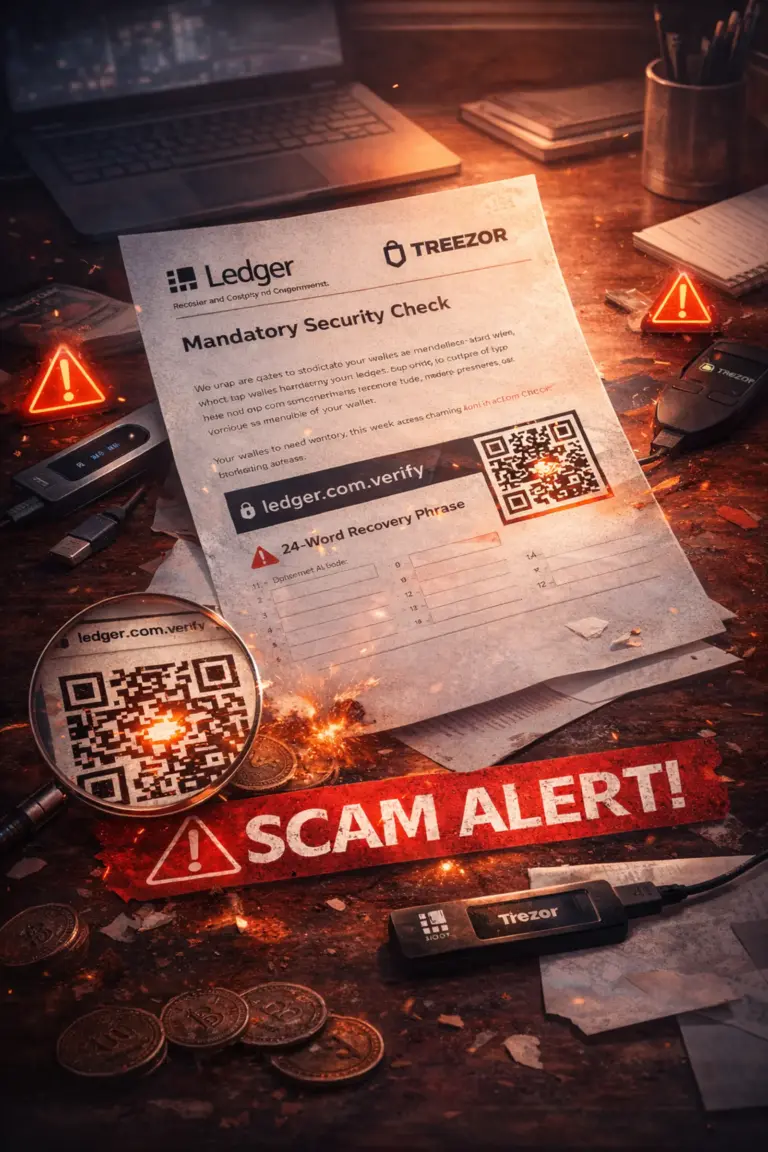
1. Phishing Emails
These emails impersonate:
- Banks
- Vendors
- Shipping companies
- Internal staff
They push users to click links or open attachments that steal credentials or deliver malware.
2. Business Email Compromise (BEC)
Attackers gain access to a real email account and monitor conversations. At the right moment, they request:
- Wire transfers
- Updated payment details
- Invoice changes
Because the request comes from a trusted address, it often succeeds.
3. Malicious Attachments
Files that appear harmless — PDFs, Word documents, ZIP files — can execute malicious code once opened.
4. Fake Password Reset Requests
Employees receive emails claiming accounts are compromised and are asked to “secure” their login. Credentials are captured instantly.
Why Small Businesses Are Hit Hardest
Large companies expect attacks. Small businesses often don’t.
Common gaps include:
- No email filtering beyond basic spam protection
- Weak or reused passwords
- No multi‑factor authentication
- Limited employee training
- No incident response plan
Attackers know that downtime hits small businesses harder, making them more likely to pay ransoms or rush decisions.
The Real Cost of an Email-Based Attack
The damage extends far beyond the initial click:
- Business operations stop
- Customer trust is damaged
- Financial losses occur
- Recovery takes days or weeks
- Legal and compliance risks increase
Even when data is restored, reputation damage can linger.
Why Antivirus Alone Isn’t Enough
Traditional antivirus tools rely on known signatures. Modern email attacks change constantly, bypassing basic detection.
Effective protection requires layers, not a single solution.
Practical Ways to Protect Your Business Email
1. Multi‑Factor Authentication (MFA)
MFA prevents account takeovers even if passwords are compromised.
2. Advanced Email Filtering
Modern email security tools analyze:
- Sender behavior
- Link destinations
- Attachment behavior
This blocks threats before users ever see them.
3. Employee Awareness Training
Employees should know:
- How to spot suspicious emails
- When to pause and verify
- How to report concerns quickly
Awareness significantly reduces successful attacks.
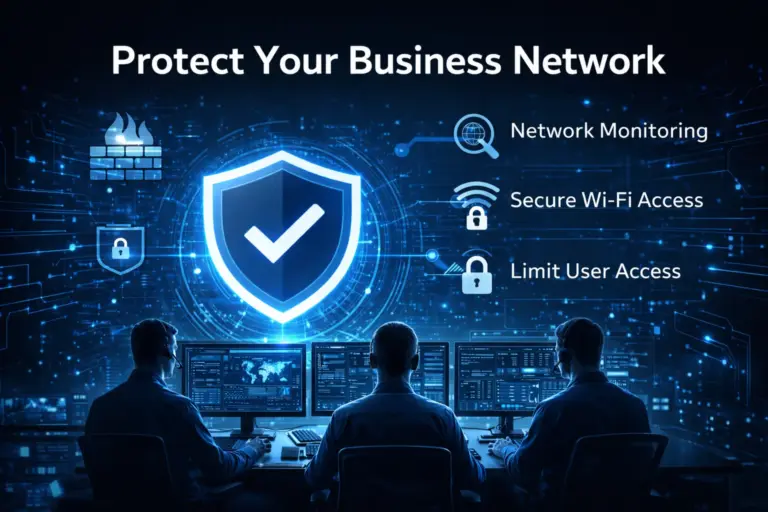
4. Network and Access Controls
Limiting what compromised accounts can access helps contain damage if an attack succeeds.
5. Backups and Incident Planning
Backups should be secure, tested, and isolated. Knowing what to do before an incident saves critical time.
What To Do If You Suspect an Email Attack
If something feels off:
- Disconnect affected systems
- Change compromised passwords immediately
- Enable MFA if not already in place
- Contact IT or security professionals
Fast action can prevent a single click from becoming a full shutdown.
Final Thoughts
Email remains the easiest way into a business network — not because employees are careless, but because attackers are skilled and persistent.
Protecting email is no longer optional. It’s a core business safeguard.
Need Help Securing Your Business Email?
JND Networks helps small and mid‑sized businesses protect email systems, reduce phishing risk, and strengthen overall security.
Schedule a free consultation to identify vulnerabilities and prevent email threats before they disrupt your business.